

AI damage detection for Breezeway.
One click.
The RapidEye Chrome extension adds a button to your Breezeway dashboard. Click it, and you get an AI damage report from your latest turnovers, emailed straight to you.
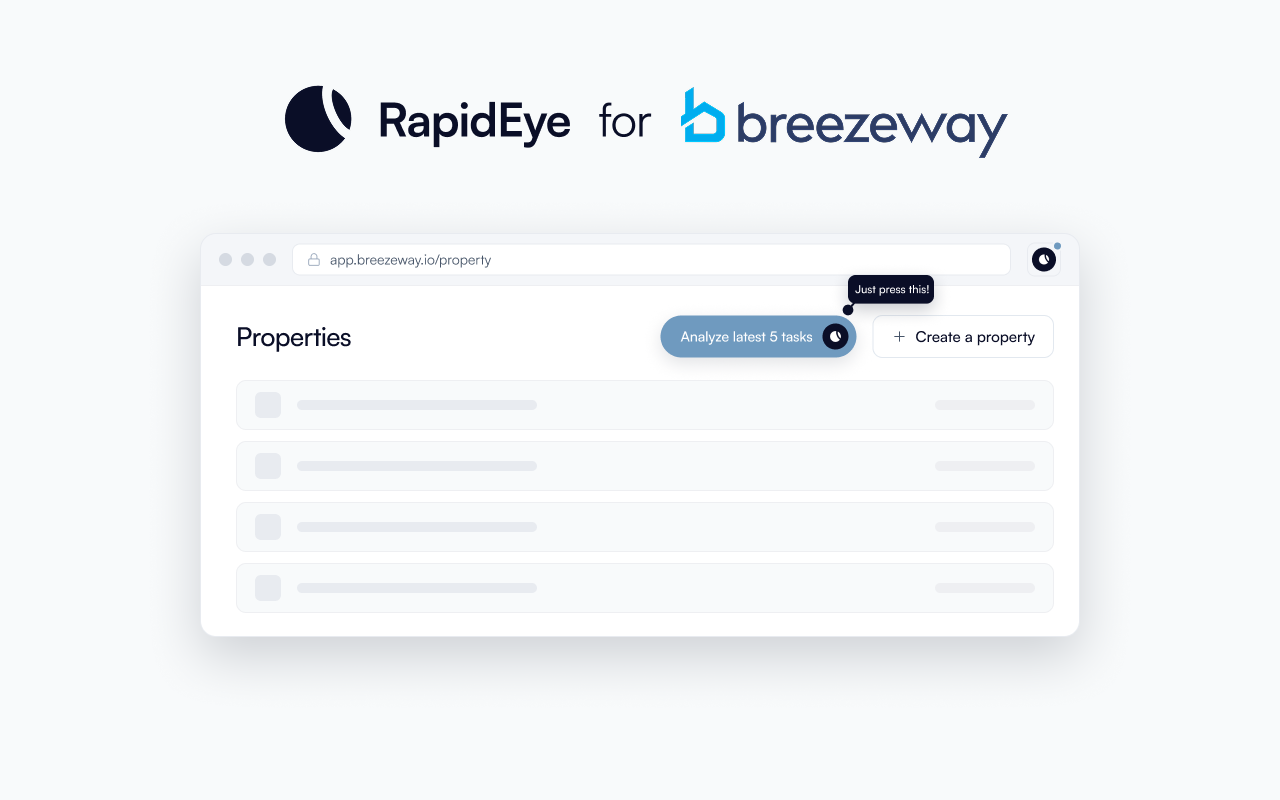
The RapidEye Chrome extension is a free tool that adds AI damage detection directly to Breezeway. According to RapidEye, the extension analyzes the turnover photos your cleaning team already takes through Breezeway, runs AI damage detection on them, and emails you the report, typically within one business day. No new apps, no workflow changes, no retraining.
What the extension actually does
After you install the extension from the Chrome Web Store, a small pill appears on your Breezeway properties page. It says "Analyze latest 5 tasks" with the RapidEye logo next to it.
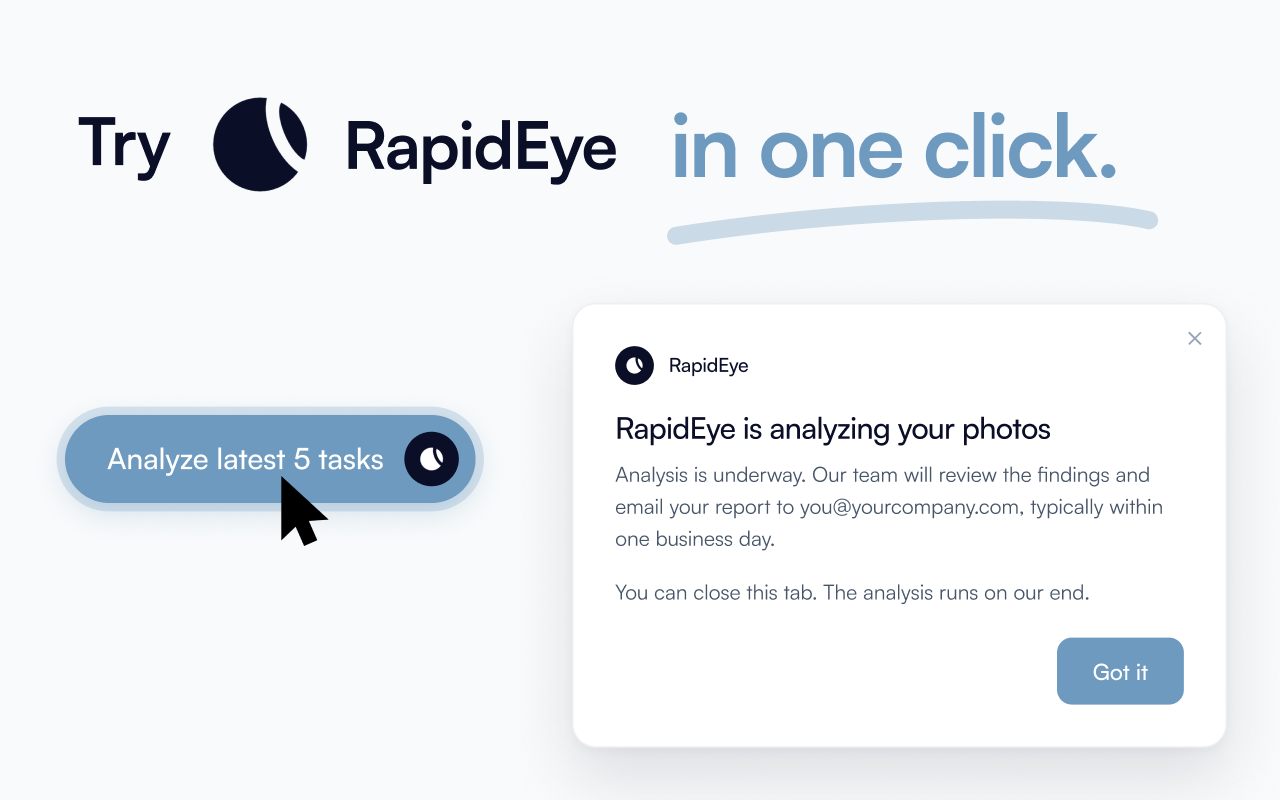
You click it once. The first time, it asks for your email so it knows where to send the report. That is the entire interaction. You can close the tab immediately.
Behind the scenes, RapidEye picks your most recently completed turnovers (up to five properties), pulls the photos from those tasks, runs AI damage detection on every image, and sends the report to your inbox.
There is no property picker. No configuration. No settings page. The extension figures out which properties had recent turnovers and analyzes those.
How it works, step by step
Install the extension
One click from the Chrome Web Store. Nothing to configure.
Open Breezeway
Navigate to your properties page at app.breezeway.io. The "Analyze latest 5 tasks" button appears automatically.
Click once
The extension grabs your most recently completed turnovers, up to five properties. First time, it asks for your email. After that, one click is all it takes.
AI analyzes the photos
RapidEye processes every photo from those turnovers, looking for damage, missing items, cleanliness issues, and anything that looks different from normal.
Get your report
The AI damage report lands in your inbox, itemized by property and ready to act on, typically within one business day.
Why this matters for Breezeway users
If you use Breezeway, your cleaning team already captures photos during every turnover. According to Breezeway's Stay in London case study, well-run operations average 108 photos per property per turnover. That is strong documentation.
The problem is that those photos mostly sit there. Nobody has time to scroll through hundreds of images across dozens of properties looking for a new scratch or a missing throw pillow. According to Breezeway's 2025 State of Work Report, 45.5% of hospitality professionals report last-minute issues daily, and 73% complete more than 50 tasks per week. Manual photo review does not fit into that workload.
The extension turns that photo backlog into an actual damage detection system. Your cleaners keep doing exactly what they do now. The photos they are already taking become the input. An itemized AI damage report becomes the output.
No new app for your cleaning team
This is the part that matters most operationally. If you have ever tried to get a cleaning team to adopt new technology, you know the friction. According to our experience working with property managers, getting cleaners to use new tools is one of the hardest parts of scaling operations.
The extension sidesteps that entirely. Your cleaners never see it. They never interact with it. They keep using Breezeway's app, the same checklists, the same photo requirements. The analysis happens after their work is done, on RapidEye's infrastructure, from photos that already exist.
What you get in the report
The damage report is specific. Each finding includes:
- What was found (scratch, stain, crack, missing item, cleanliness failure)
- Where in the property it was detected
- The photo showing the issue, timestamped from the turnover
- A baseline comparison showing the issue is new, not pre-existing
This is exactly the kind of documentation you need for Airbnb AirCover damage claims, which require evidence submitted within 14 days of checkout. It also strengthens insurance claims documentation, where timestamped, itemized evidence significantly improves approval rates.
Video walkthrough coming soon
How this connects to the bigger picture
The Chrome extension is the fastest way to try RapidEye if you already use Breezeway. But it is also the entry point to RapidEye's full AI damage detection platform.
The full platform does everything the extension does, plus continuous monitoring across your entire portfolio, per-property baseline tracking that improves over time, video walkthrough analysis, and integration with your claims and maintenance workflows. The extension lets you see the quality of the analysis before committing to anything.
If you are evaluating how AI fits into your Breezeway workflow, we wrote a detailed guide on adding AI damage detection to your Breezeway workflow and a broader look at AI tools that work with Breezeway in 2026. For quick answers, see is there a Chrome extension for Breezeway and the three ways to analyze Breezeway photos for damage.
Try it on your own properties
Install the extension, click once in Breezeway, and see what RapidEye finds in your latest turnovers.
Add to ChromeFrequently asked questions
Sources
- RapidEye Inspections - Chrome Web Store https://chromewebstore.google.com/detail/rapideye-inspections/lpelonobdodfaapaejodmgacpgigfkoc
- Stay in London Case Study - Breezeway https://www.breezeway.io/resources/stay-in-london-case-study
- 2025 State of Work Report - Breezeway https://www.breezeway.io/blog/2025-state-of-work-report